Close Menu
Port Forwarding Hub

    Subscribe to Updates

    Get the latest creative news from FooBar about art, design and business.

    How to Port Forward on T-Mobile and Bypass CGNAT

    January 3, 2025

    How to Port Forward on Starlink and Bypass CGNAT

    January 1, 2025

    How to Port Forward Virgin Telco and Bypass CGNAT in Spain

    December 16, 2022
    Facebook X (Twitter) Instagram
    Trending
    • How to Port Forward on T-Mobile and Bypass CGNAT
    • How to Port Forward on Starlink and Bypass CGNAT
    • How to Port Forward Virgin Telco and Bypass CGNAT in Spain
    • How to Port Forward Orange and Bypass CGNAT in Spain
    • How to Port Forward Jazztel and Bypass CGNAT in Spain
    • How to Port Forward Pepephone and Bypass CGNAT in Spain
    • How to Port Forward Yoigo and Bypass CGNAT in Spain
    • How to Port Forward Lowi and Bypass CGNAT in Spain
    Facebook X (Twitter) Instagram YouTube
    Port Forwarding Hub
    Subscribe
    Friday, January 3
    • Home
    • Tools
      • Port Checker
    • News
    • About Us
    • Contact
    Port Forwarding Hub
    Home»Routers»How To Set Up Barotrauma Port Forwarding: All The Important Info
    Routers

    How To Set Up Barotrauma Port Forwarding: All The Important Info

    Yasir NawazBy Yasir NawazDecember 12, 2020Updated:January 15, 2021No Comments2 Mins Read
    Facebook Twitter Pinterest LinkedIn Tumblr Email
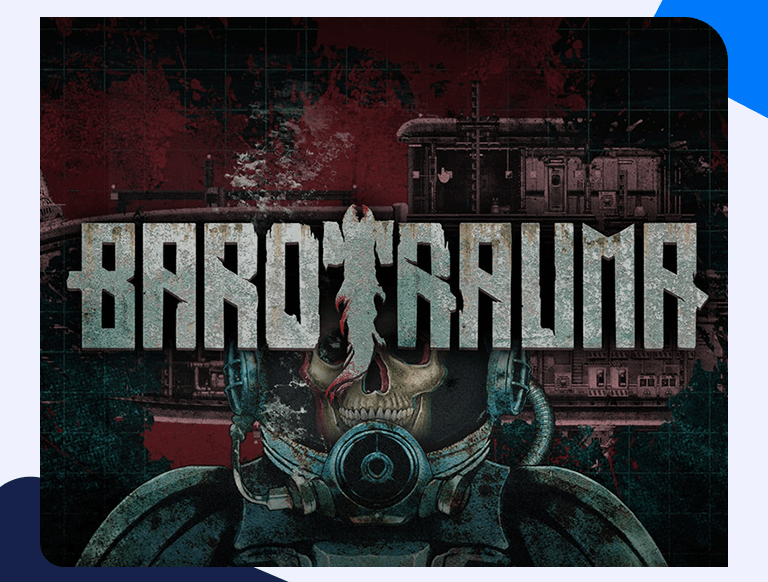
    Barotrauma Port Forwarding
    Share
    Facebook Twitter LinkedIn Pinterest Email

    How To Set Up Barotrauma Port Forwarding: All The Important Info

    Most router designs feature a firewall that acts as a barrier between the public internet and your home network. The firewall blocks incoming connections and malicious traffic from accessing your network. However, to effectively run some programs, applications, and games, you need to port forward specific ports on your router to allow incoming connections. Port forwarding Barotrauma is a useful gaming trick that improves and stabilizes your internet connection, giving you a fantastic gaming experience. We give you a detailed guide on Barotrauma port forwarding on your router.

    Things You’ll Need Beforehand

    To port forward Barotrauma, you will need the following information:

    • Your router’s IP address
    • The IP address of your PC or gaming console
    • The TCP and UDP ports you need to forward for Barotrauma.

    Find Your Router’s IP address

    Finding your router’s IP address is a straightforward process comprising the following steps:

    • On your windows search bar, enter the Command Prompt.
    • Type ‘ipconfig /all’ on the Command Prompt window
    • Your router’s address will appear next to the Default Gateway.

    How To Port Forward Barotrauma

    Port forwarding Barotrauma comprises the following steps:

    • Open a browser and navigate to your router’s IP. Since routers feature a web interface, you will need a web browser such as Edge, Chrome, or Firefox to log in and access your router pages. Find the address bar on your chosen browser and replace the address with your router’s IP address, then press Enter. This action will open a window prompting you to enter your login credentials. Use your router’s default credentials to log in if you have not changed them in the past.
    • Find the port forwarding section of your router. To find this section, click the Advanced tab, then Port Forwarding or Virtual Server.
    • Enter the IP address of your PC or gaming device in the appropriate box
    • Enter the ports for Barotrauma that you are forwarding in the port field.
    • Select the protocol like TCP, UDP, or Both in the Protocol dropdown.
    • Enter the IP address of the device you are forwarding the ports to.
    • Reboot your router for the changes to take effect.

    Ports To Forward

    The following are the specific ports you will forward for Barotrauma.

    Barotrauma – PC

    • Protocol UDP: 14242

    Barotrauma – Steam

    • Protocol TCP: 27036-27037, 27015-27030
    • Protocol UDP: 27036, 27000-27031, 4380
    Share. Facebook Twitter Pinterest LinkedIn Tumblr Email
    Yasir Nawaz

    Yasir enjoys reading and writing about the latest developments in the world of AI and cybersecurity. A firm believer in the right to digital privacy for all, he shares his thoughts on issues both controversial and menial. His other interests include chess, reading, and looking to the horizon in his best Luke Skywalker impression.

    Related Posts

    How to Port Forward on Starlink and Bypass CGNAT

    January 1, 2025

    How to Port Forward Starlink and Bypass CGNAT in France

    November 4, 2022

    How to Port Forward Starlink and Bypass CGNAT in Germany

    November 4, 2022

    How to Port Forward Starlink and Bypass CGNAT in Spain

    November 4, 2022
    Add A Comment
    Leave A Reply Cancel Reply

    Categories
    • Games
    • Guides
    • Info
    • News
    • Routers
    • Walkthroughs
    Search
    featured

    How to Port Forward The King of Fighters XV on your router

    February 2, 2022
    Advertisement
    Port Forwarding Hub
    Facebook X (Twitter) Instagram
    • Home
    • Routers
    • Games
    • Software
    • Guides
    • Walkthroughs
    • About Us
    © 2025 All Rights Reserved Port Forwarding Hub.

    Type above and press Enter to search. Press Esc to cancel.