


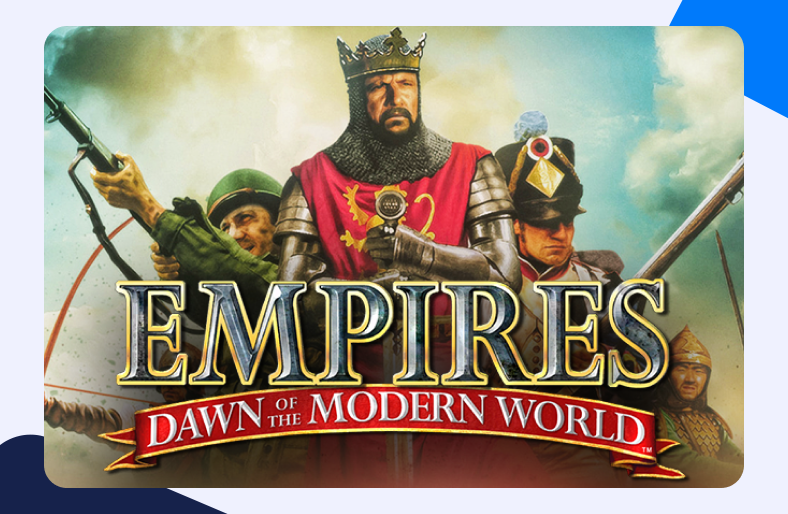
Released in 2003, the real-time strategy game Empires Dawn of the Modern World gathered attention. With different civilizations and time periods that date back to the middle ages, Empires Dawn of the Modern World allows gamers to control such civilizations from the said age all the way to the modern-day world.
To Port Forward Empires Dawn of the Modern World, you will have to open up certain ports that can help you connect to external servers. Read on to know everything about the procedure.
Port Forwarding Empires Dawn of the Modern World – requirements
There are certain things we need to collect and ensure before we can actually forward ports for Empires Dawn of the Modern World. Make sure you do have the following:
- Empires Dawn of the Modern World (hosted here) should be downloaded on your gaming system.
- The router’s IP to log into its dashboard.
- You will need Empires Dawn of the Modern World TCP and UDP ports.
- You will also need the IP of your gaming device/system.
How to Port Forward Empires Dawn of the Modern World – step-by-step
Have you got everything you need for Port Forwarding Empires Dawn of the Modern World? Great! Now just follow the steps given below and you will be done in no time:
- In the browser’s URL, type the router’s IP.
- Now once you see the router’s log-in page, enter your user credentials.
- After accessing the dashboard, find the Port Forwarding section.
- In the Port Forwarding window, enter the system’s IP address.
- Next, you need the TCP and UDP ports. Enter those in the relevant fields ( Empires Dawn of the Modern World – default ports is 6500).
- Restart your router now and we are done.
- You can now host an Empires Dawn of the Modern World server and allow your friends to connect using simply a port number and a hostname i.e. hostname.domain.com:45365.
What ports do you need to forward for Empires Dawn of the Modern World?
You can easily create an Empires Dawn of the Modern World online server and play to your heart’s content. Here are the default TCP and UDP Empires Dawn of the Modern World ports:
- TCP – 6500, 28900, 29900-29901, 33335
- UDP – 13139, 27900, 33321
Opt for ease – open ports with a Port Forwarding add-on
If you are too confused with the complex settings and configurations then you should perhaps consider a Port Forwarding add-on – an efficient solution for your connectivity problems.
Ports for Empires Dawn of the Modern World
TCP and UDP port range – Windows/PC
- TCP: 6500, 28900, 29900-29901, 33335
- UDP: 13139, 27900, 33321
How to open ports behind CGNAT
Does your ISP use CGNAT? Is it proving to be a pain when you try to port forward Empires Dawn of the Modern World? Well, that is what CGNAT does! It prevents users to forward ports as many are sharing the same IP and the same network. This practice is used by internet service providers to conserve bandwidth.
But to go around CGNAT, you don’t need much. You can effectively open ports with a Port Forwarding add-on and say goodbye to gaming stutters, lag, and CGNAT restrictions.
Bypass CGNAT with a Port Forwarding add-on.
Effective Port Forwarding Add-on
Securely manage port forwarding
If you are among those that are haunted by the horrors of a Port Forwarding procedure, then maybe you will want to use a simpler option. It is quite a demanding task. With different interface configurations, specific steps rarely make sense.
Your Port Forwarding struggle is perhaps due to the security policies of your ISP. Internet service providers often prevent users from Port Forwarding and thus block ports. A system’s firewall also uses the same approach when it comes to opening up ports.
But still, you can manage to open ports in your system using a Port Forwarding add-on. With this feature, you will be able to port forward easily and free your gaming experience from the shackles of connectivity issues and gaming lag.
