


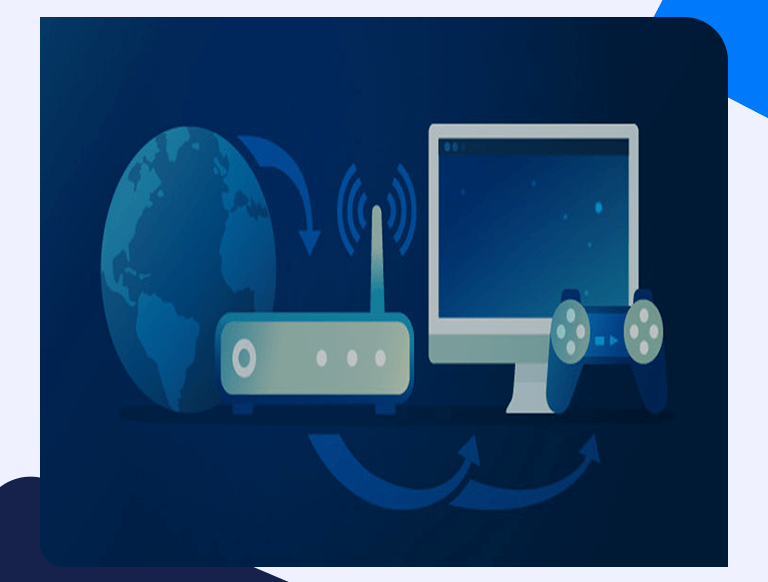
Is Port forwarding Safe? Your Safety-related Questions Answered
“Is Port forwarding Safe?” is the first question that many users think of first when thinking about setting up their device to forward ports as they’ve read about online or were told in some Discord channel. It sounds scary, and the mechanics behind it can be a bit verbose for the average layman. But long story short, yes, regardless of what you may have heard or read on forums, there are no risks involved when it comes to setting up port forwarding on your device.
Granted, it’s easier to set it up on some devices than others. But security is never a primary concern as you’ll find detailed guides on this site that’ll make it only take a few minutes to setup port forwarding a matter of minutes regardless of what device you use.
Is Port Forwarding Safe on a Gaming Console?
You can continue to play offline games on most gaming consoles like the Xbox One and PlayStation 4. However, many gaming platforms are now fixated on the online gaming experience, and thus become more reliant on the Internet. These consoles rely on a stable Internet connection for more than just the games you play on them. For instance, if a security exploit is discovered, it is promptly fixed via a timely update. In such a case, not having an Internet connection for your console could leave it woefully exposed to security risks.
Port forwarding enhances your gaming experience, whilst being completely safe. The security updates mentioned above ensure that no one can break into your console and access your home network. So, don’t worry and start forwarding the necessary ports on your favorite gaming consoles now. By reading this and many other guides, you’ll know exactly which ports to forward and why. (You shouldn’t just forward for the heck of it. Only forward ports you need.)
Is Port Forwarding Safe for Security Cameras?
Like gaming consoles, most security camera systems around the world are designed and built with the intention of having them connected to the Internet. If you have such a system installed at your home or office, you may want to keep an eye on things through them remotely. Port forwarding would be the safest way to do so as there’s virtually no chance of your home network being exposed.
Worst case scenario, if someone does manage to break into your system, all they can access is the video feed from the cameras. Access to your home network is still not possible. You can add a layer of additional security by setting up a password that would keep you safe from such a breach while forwarding the designated ports.
Is Port Forwarding Safe on a Computer?
This is by far the most “risky” application of port forwarding. “Risky” because this is where almost all rumors about the risks of port forwarding seem to originate. In simple words, yes, it was highly dangerous to forward ports ad-hoc on your PC. However, most modern operating systems have eliminated those risks since they come with their own firewalls. Whether you’re using Windows or macOS, the firewalls on these operating systems ensure that port forwarding is entirely safe.
On macOS, you’ll have to enable the firewall since it’s off by default manually. However, once you’ve done that, then there’s no risk involved whenever your forward ports on your computer.
Just remember what we said earlier, though: don’t forward ports because you can. Only forward ports that you need to forward.
Is Port Forwarding Safe for Other Software?
Yes, you’ll see that port forwarding is compatible with all other software you might run on your devices, such as torrent apps, VPNs, and anti-virus programs. In fact, in most cases, it can elevate your experience on these other applications, such as ensuring that you’re actually able to download torrents faster.
Rest assured, port forwarding will not hinder your experience with other software or create any security risks. If you’re planning to download specific software to forward ports on your computer, then it is recommended you scan them properly before installing. This eliminates any risk of malicious files attached to the installation files.
How Does PortForwardingHub Help Me?
PortForwardingHub intends to be your one-place stop for everything port forwarding related. You’ll find tons of resources about all the different facets of port forwarding. Whether you plan to use it for gaming, or torrents, for hosting servers, or just to remotely access devices, PortForwardingHub will have detailed guides on how to do everything.
Not only that, but PortForwardingHub will also provide recommendations about which router would be best for your specific port forwarding needs. Additionally, you’ll find dedicated sections for all popular apps, games, and routers, ensuring that all your questions are answered via PortForwardingHub.
